The room & display
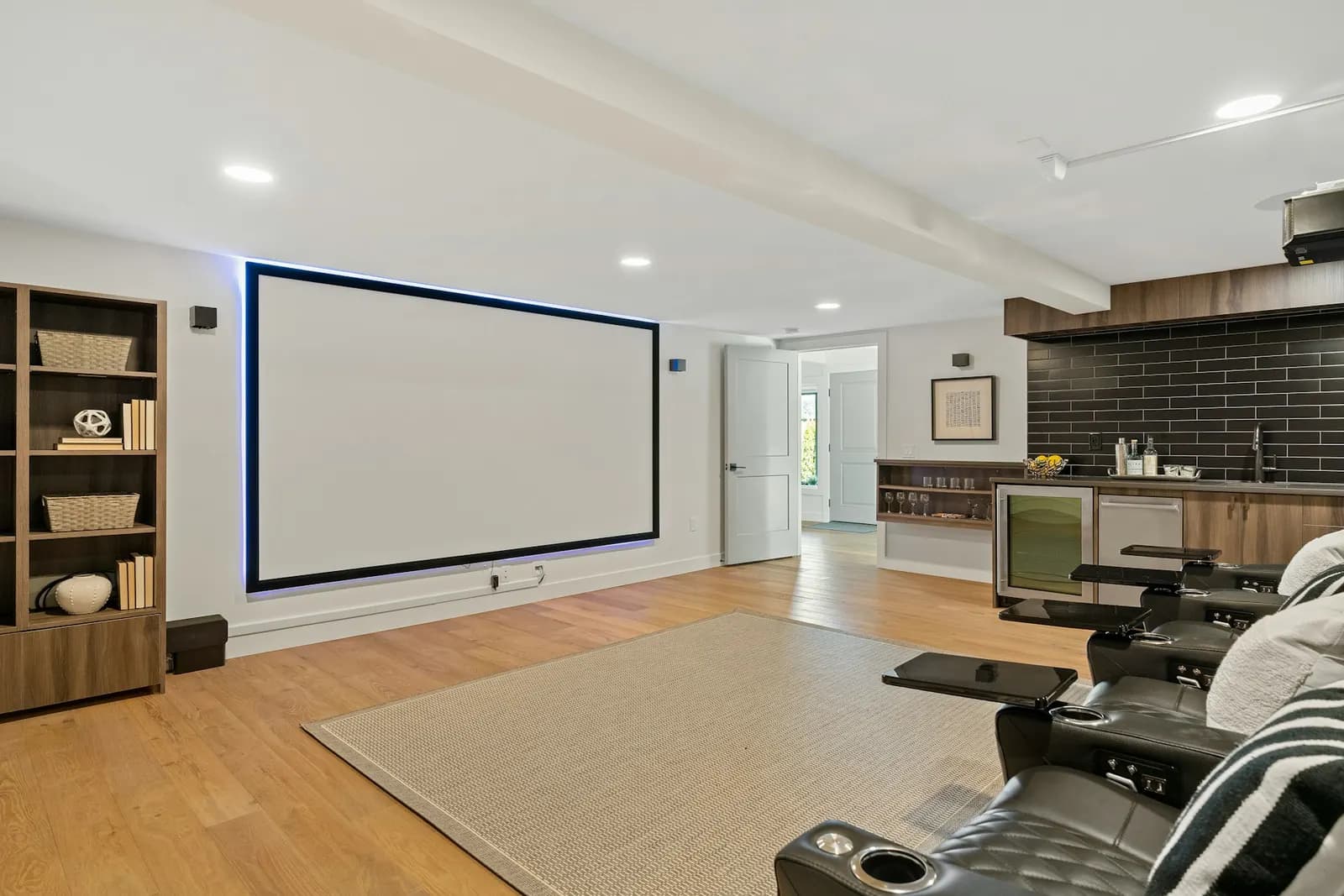
Tell us how the room is used, the display size you are considering and where you would like it positioned. Include equipment model numbers if you have them.
Serving Los Angeles, Orange, San Bernardino, Riverside, San Diego, and Ventura counties
Home theaters · Install Services
A home theater starts with how you want to use the room. Tell us about your space, your equipment and how you want it set up, and our team will send you a quote.
Send your room details and equipment list with your request. Our team confirms what is included before scheduling.
Start the conversation
Tell us how the room is used, the display size you are considering and where you would like it positioned. Include equipment model numbers if you have them.
Describe your speakers, soundbar, receiver and other equipment. A clear equipment list helps establish the questions that need to be resolved.
Share preferences for visible equipment, cable appearance, network access and furniture placement. Our team will discuss which requirements can be supported.
Before you reach out
Share what you know. Our team will follow up on anything else needed to review your request.
A rule of thumb from one TV maker: divide your viewing distance in inches by two, so sitting 10 feet (120 inches) away points to about a 60-inch screen. It's a starting point; room layout, viewing angle and preference decide the rest.
One TV maker suggests about 42 inches from the floor to the center of the screen as a starting point for a seated viewer. Adjust for your seating and furniture, and follow your mount's instructions.
Generally no. Mount instructions typically call for anchoring into wood studs or solid concrete or block, in a wall that can hold several times the combined weight of the TV and mount; steel studs need a special kit. Follow your mount's instructions; our team checks the wall when reviewing your project.
Yes, after reviewing your project. Our team mounts TVs on brick and stone walls as well as wood-stud walls. Tell us the wall material, the TV's size and weight, and the mount you plan to use with your request.
The standard spacing of the mounting holes on the back of a TV. The TV's hole pattern and weight, with accessories, must both fall within the mount's rating.
Only if the heat stays low enough. One TV maker lists 104°F as its maximum operating temperature and recommends testing the heat from a lit fireplace first. Check your TV's manual for its limit; our team reviews the spot before confirming the mount.
Yes for low-voltage cables, after reviewing the wall: our team can run HDMI, speaker and network cables inside it using cable rated for in-wall use. The TV's own power cord can't run inside the wall under electrical code, so ask our team about power at the TV.
A soundbar connects straight to the TV, usually through its HDMI ARC or eARC port. A receiver is a hub that powers separate speakers and decodes surround formats, for a larger, more flexible setup.
The TV's model, size and weight, its VESA pattern, what the wall is made of, and a list of every device that will connect: soundbar, receiver, streaming box or console.
Send a request with your room details and equipment. Our team reviews it and contacts you with a quote. Home theater quotes are not emailed automatically.
Send the equipment you have or plan to buy. Discuss the setup with our team before purchasing.
Explore more
In their own words, from Google and Yelp.
“Quick and professionally installed! Great customer service! My installer was knowledgeable and friendly!”